

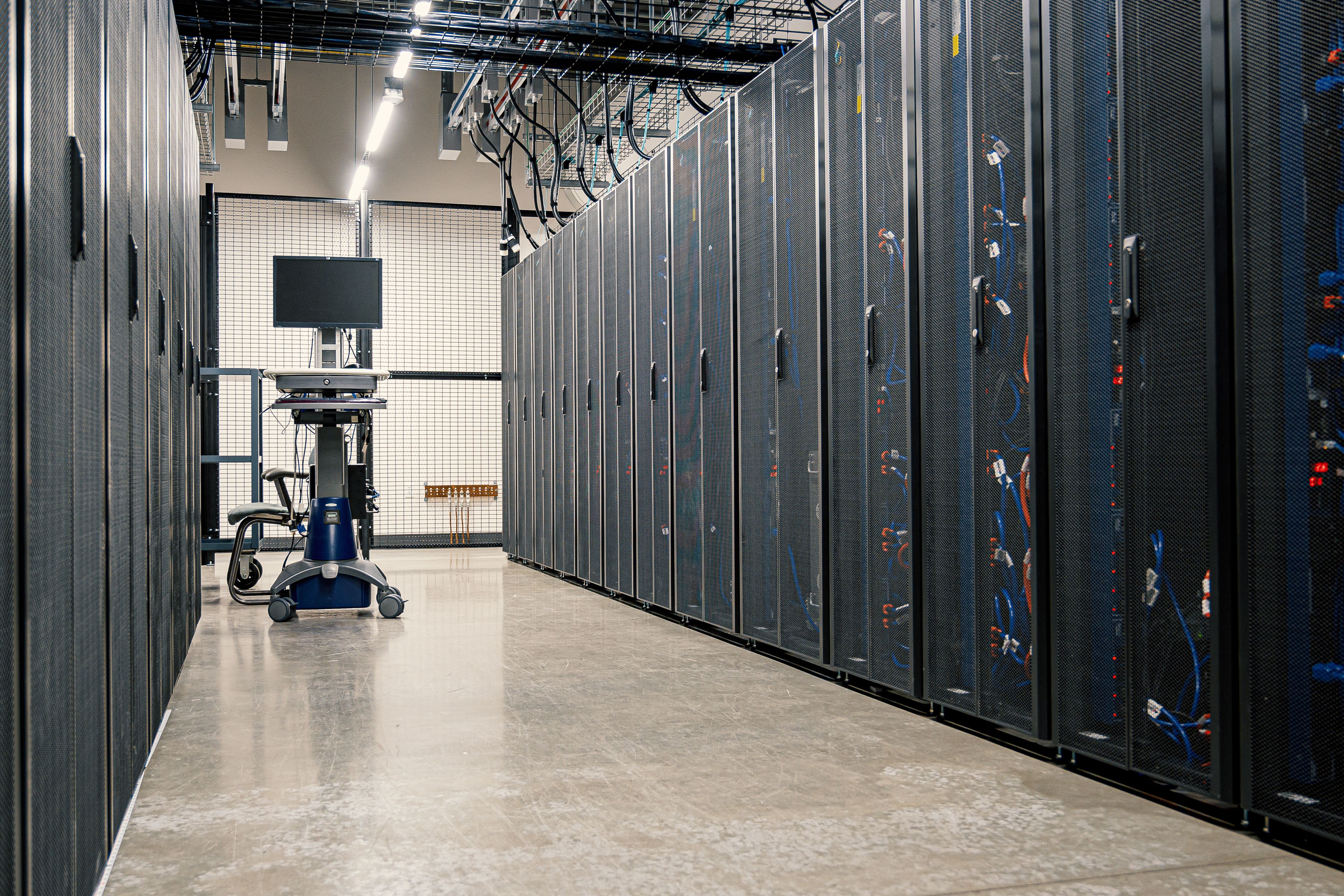
Moving servers from an office to a data center is a one-time job, and mistakes are expensive to fix after the hardware is racked. Check the items below first.
Know Your Equipment
Add up what you are moving. The totals decide how much rack space and power you need.
Write down for every server
- Size in rack units (U), depth and weight
- Power draw in watts or amps, the plug type and the number of power supplies
- Network ports: how many, at what speed, copper or fiber
- Remote management access, such as iDRAC, iLO or IPMI
- Rails and mounting kits, cables and transceivers
- Spare parts you want kept on site
Check the Facility
Visit if you can, and ask to see the room, not only the brochure.
Ask the data center
- Power: two independent feeds to the rack, and what backs them up
- Cooling: how the room is cooled and the temperature range it holds
- Security: who can enter, how visitors are logged, and whether your cabinet locks
- Access: opening hours, how much notice is needed, and whether your staff can enter at any time
- Remote hands: whether data center staff can reboot or swap hardware for you, and the cost
- Carriers: which network providers are in the building, and whether it is carrier neutral
- Delivery: where equipment is received and who signs for it
Plan the Network
Your servers still need to reach your users, and your staff still need to reach your servers. Decide how before the move.
- How your offices connect to the rack: dedicated internet access, or a private Layer 2 link between sites
- How many IP addresses you need, and whether you can keep your current ones
- The bandwidth to the rack, and whether upload and download match
- The latency from each of your offices to the data center
A data center in Metro Manila can serve offices in Mindanao and the Visayas over a dedicated internet or private link. Test the latency from your location before you commit.
Read the Contract
Confirm these in writing
- How power is billed: a fixed amount per rack, or by what you draw
- Contract length, and the cost of leaving early
- The price to add space, power or bandwidth later
- The uptime SLA for power and network, and the remedy if it is missed
- What happens to your equipment if you leave or stop paying
- Who is responsible for the hardware, the operating system, backups and monitoring
Plan the Move
- Back up everything and test a restore.
- Lower the TTL on your DNS records a day or two ahead.
- Pick a window with the least traffic and tell your users.
- Label every server and every cable.
- Pack the hardware with padding, and photograph the rack and cabling before you unplug anything.
- Rack the equipment, power it on and check remote management.
- Test each service before you switch traffic over.
- Keep the old setup available for a few days until the new one has handled normal use.
Agree before the move on what you do if a server does not come up: who decides, who calls whom, and how long you wait before switching back.
After the Move
Record each server's rack position, power connection and switch port. Set up monitoring and alerts, and check that backups run from the new location. Compare the first invoice with the contract.
Co-Location with Cygnal
Cygnal provides colocation in Makati through VITRO Data Center and STT Global Data Centres, with rack space, power, cooling and a network connection. You can bring your own equipment and manage it yourself, or have our engineers handle configuration, routing and ongoing management. We serve businesses in Mindanao, the Visayas and Luzon.
Tell us what you are moving. We reply with a quote.